

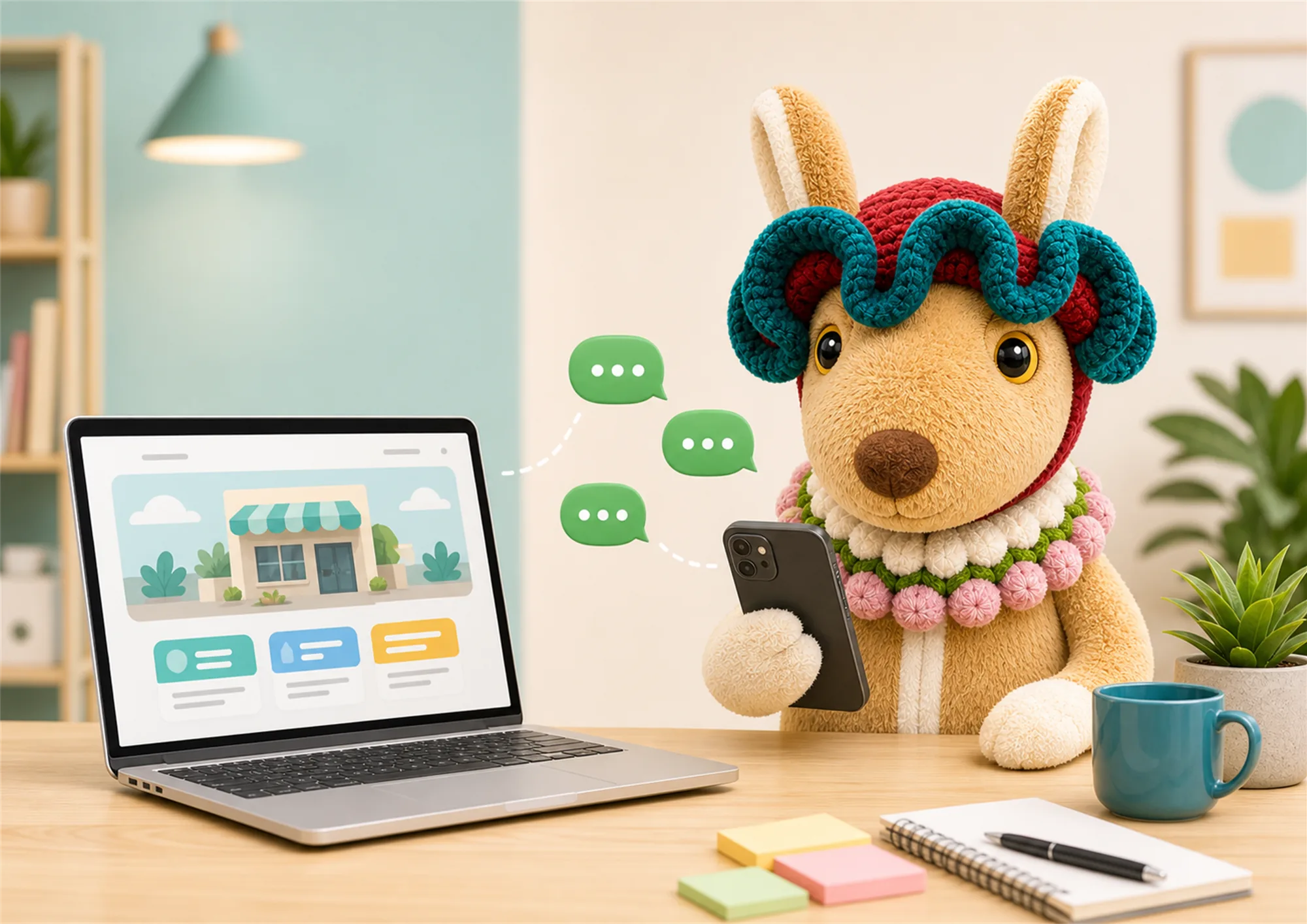
A practical guide to WhatsApp website integration for small business owners who want a faster, clearer path from website visit to enquiry.
A WhatsApp website integration for small business can make it easier for a visitor to ask a question while their interest is still high. For many service businesses, people do not want to fill in a long form before they know whether you can help. They want to ask about price, availability, location, or the next step in a familiar chat.
That does not mean every website should push every visitor into a chat immediately. The strongest approach gives people useful information first, then makes chat a clear, low-friction next step when they are ready. This guide explains how to make the journey practical, measurable, and manageable for your team. A WhatsApp website integration for small business should make that handoff clear without making the page feel pushy.
A WhatsApp website integration for small business works best when it removes a small barrier, not when it replaces the whole website. Your website still has an important job: explain the service, show proof, answer common questions, and help visitors decide whether you are relevant. Chat is then the easy handoff for someone who wants a quick answer or personal confirmation.
This is especially useful for local and service businesses where enquiries often involve timing, a specific requirement, or a photo. A visitor can browse a service page, see the process and reviews, then open a chat with enough confidence to ask a useful question. That is a better starting point than receiving a blank message with no context. A page-aware WhatsApp website integration for small business gives both the visitor and your team a more useful starting point.
Keep the contact choice visible, but do not hide your phone number, form, email, or booking path. Different customers have different preferences. A flexible WhatsApp website integration for small business keeps other contact choices available too. A trustworthy site gives them a choice and makes every contact route work properly on mobile.
Place a chat action near service descriptions, pricing guidance, availability notes, and project examples. These are the moments when a visitor has enough information to decide, but may need one detail before contacting you. A focused WhatsApp website integration for small business should support that decision rather than interrupt the first few seconds of reading.
Avoid vague buttons that only say contact us. Use a natural reason: ask about your project, check available dates, request a price range, or discuss your requirements. The visitor should know what happens after they tap. That clarity makes a WhatsApp website integration for small business feel helpful rather than intrusive. Clear calls to action also help your team receive more relevant first messages.
A pre-filled message can reduce friction, but it should be short. For example, ask for the service needed and the preferred timing. Do not make the template sound robotic or force the customer to answer ten questions before a conversation starts. The goal is context, not a complicated intake form.
A visitor coming from a web design page should not receive the same message as someone visiting a local SEO page. Set up page-aware prompts so your team knows what the person was reading. This turns WhatsApp website integration for small business into a more useful handoff and avoids asking the customer to repeat themselves.
Most chat enquiries begin on a phone. Test the button on a real mobile device, check whether it is easy to reach, and make sure the page remains readable around it. A floating button can help, but it must not cover a form field, a cookie control, or important page content.
Ask only for the information your team genuinely needs to give a useful reply. Service type, preferred date, area, and a rough requirement are usually enough to begin. You can collect the rest later. A good conversation feels helpful, not like an obstacle course.
If a business cannot reply immediately, say what response time a visitor can expect and provide an alternative such as a form or booking link. Clear expectations protect trust. If you serve urgent enquiries, make that route clear too, but do not promise instant replies unless someone is actually available.
The final value of a WhatsApp website integration for small business depends on what happens after the message arrives. Decide who owns the reply, what a qualified enquiry looks like, and how you record next steps. A fast but inconsistent response can lose a lead just as easily as a missing chat button.
Before adding chat, write down your most common customer questions, the pages that generate the strongest interest, and the details your team needs before quoting. This preparation prevents chat from becoming a random inbox. It also keeps a WhatsApp website integration for small business aligned with the real questions customers ask. It also gives you ideas for improving the website itself, because repeated chat questions often reveal a missing explanation on a page.
| Item | Practical check |
|---|---|
| Contact route | Test the link on iPhone and Android. |
| Prompt | Keep the starter message short and page-relevant. |
| Ownership | Assign a person and expected reply window. |
| Website context | Make sure the service page answers basic questions first. |
| Privacy | Do not ask for unnecessary sensitive information. |
Meta provides official guidance on starting conversations and managing business messaging, while your own policies should define how staff handle customer data and follow-up. The business objective remains simple: make it easier for a genuine customer to move from research to a useful conversation. For a practical setup reference, see the WhatsApp Business overview, then adapt the process to your own response policy.
Do not judge success only by the number of chat starts. Track which pages lead to chats, how many conversations get a meaningful reply, how many become appointments or quotes, and where people abandon the journey. A WhatsApp website integration for small business that creates more low-quality messages may need clearer calls to action or better website content.
Use website analytics to compare chat clicks with form submissions, calls, and bookings. Google Analytics guidance on events is useful for setting up a measured conversion action. Combine the numbers with a small manual review: ask your team whether the messages have better context and whether follow-up is easier. The best measure is not activity. A well-managed WhatsApp website integration for small business should create better-qualified conversations, not only more clicks. Related automation can also support follow-up after the first chat; see Webigaroo’s AI chatbot for small business website guide. It is more qualified conversations and better customer experience.
Yes, when it gives visitors a clear and optional way to ask real buying questions after they have viewed useful website information.
No. Keep a form, phone number, email, and other appropriate contact routes. Chat is one useful option, not the only one.
Ask for the service needed and one practical detail such as timing, area, or project type. Keep it short.
Assign ownership, set response expectations, use page-aware prompts, and record the next step for serious enquiries.
Yes. Track them as website conversion events and compare them with forms, calls, appointments, and qualified leads.
A well-planned WhatsApp website integration for small business gives visitors a faster next step without weakening the rest of your website. Make the page useful first, make the contact choice clear, and make sure your team can follow through.