

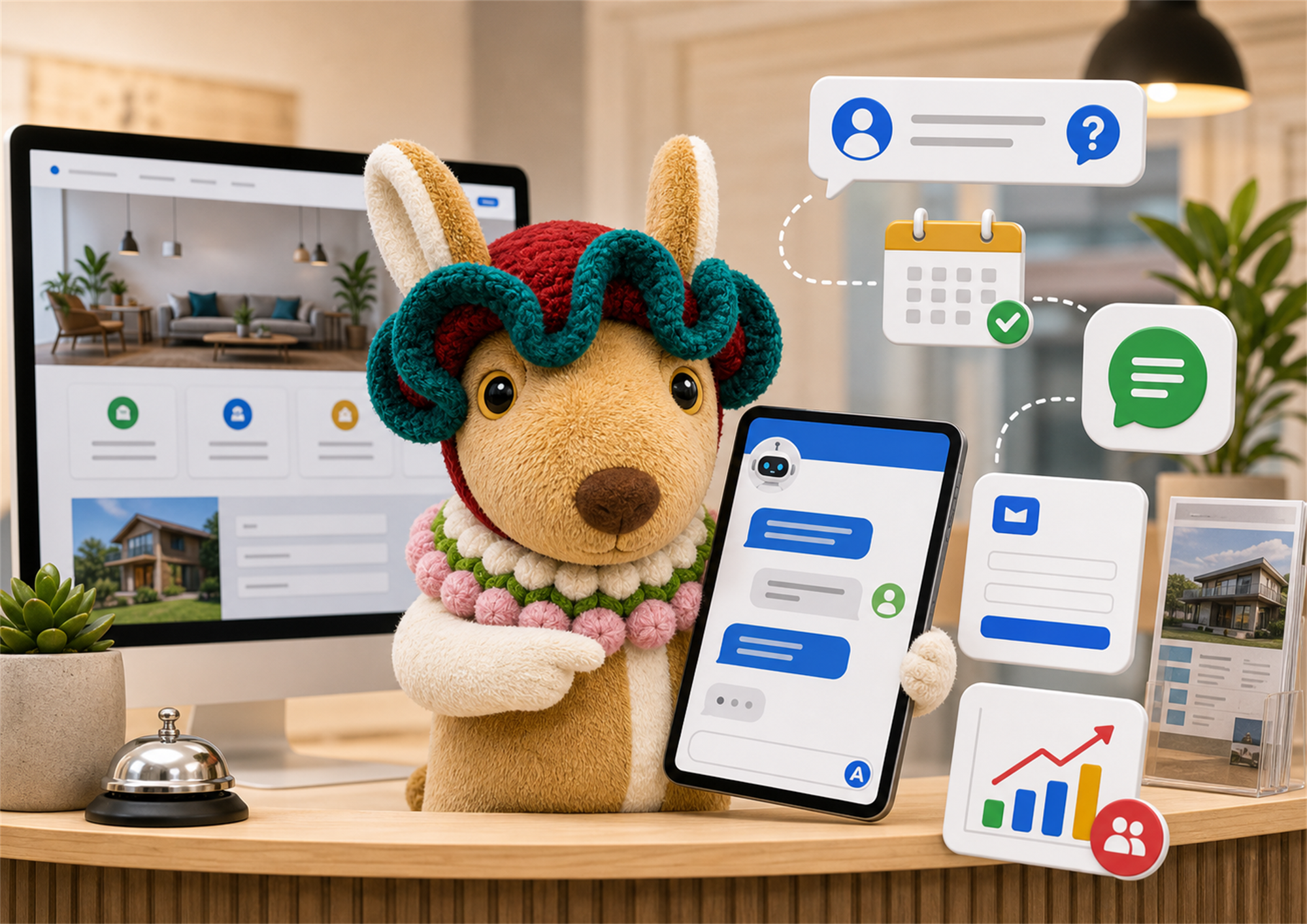
Learn how an AI chatbot for small business website enquiries can answer questions, qualify leads, and support better customer follow-up.
If you want more enquiries from your website, the topic of AI chatbot for small business website should be treated as a practical growth system, not a trendy add-on.
This guide keeps the advice simple: make the page useful for real customers, structure it clearly for search, and measure whether it helps people contact your business.
An AI chatbot for small business website enquiries is useful because many visitors do not contact you on the first visit. They hesitate because they have small questions about price, timing, service area, process, or whether your service fits them.
A chatbot cannot replace a good website, but it can reduce friction. It can guide visitors to the right service page, collect basic details, suggest the next step, and send better enquiries to your team.
Use your chatbot to answer common questions about services, pricing ranges, response time, location, and booking steps. This makes the AI chatbot for small business website feel practical instead of gimmicky.
Ask simple questions such as the service needed, budget range, preferred timeline, and contact method. Better lead details help you reply faster and avoid long back-and-forth messages.
A chatbot should not trap people in a chat window. It should point visitors to service pages, FAQs, examples, and posts such as Webigaroo’s small business website checklist.
Google’s guidance on AI-generated content is a useful reminder: automation should help users, not create low-value content at scale. Your chatbot answers should be based on your real services and policies.
The best AI chatbot for small business website setups know when to stop. If a visitor is ready to book, complain, negotiate, or share sensitive details, the chatbot should route them to a person.
Before adding AI, decide what information the chatbot should collect and what it should avoid. OpenAI’s business data page explains security and privacy concepts worth understanding before sending business data into AI tools.
Measure chatbot starts, completed enquiries, bookings, call clicks, and qualified leads. If the AI chatbot for small business website gets conversations but not real enquiries, improve the questions and handoff.
| Item | Why it matters |
|---|---|
| Service pages | The chatbot needs accurate places to send visitors. |
| FAQs | Repeated questions become safer chatbot answers. |
| Lead form fields | You collect useful details without asking too much. |
| Handoff process | A human can take over when the enquiry is serious. |
The practical goal is not to make the chatbot sound clever. The goal is to make the AI chatbot for small business website easier for customers to use and easier for your team to follow up.
Use this AI chatbot for small business website recap before you launch: answer real customer questions, collect simple lead details, connect visitors to useful pages, and hand serious enquiries to a human. The best AI chatbot for small business website setup improves the customer journey instead of hiding your contact options. If the AI chatbot for small business website helps visitors understand what to do next, it is doing the right job.
Before you add an AI chatbot for small business website enquiries, prepare the information that the chatbot is allowed to use. Start with your real service pages, opening hours, service area, contact rules, pricing guidance, and common objections. If those details are missing, the chatbot may sound confident but still give weak answers.
A useful chatbot should be trained around your customer journey. For example, a new visitor may ask what you do, whether you serve their area, how much the service usually costs, and what happens after they submit an enquiry. Your chatbot should answer those questions clearly, then guide the visitor to a form, call button, WhatsApp message, or booking step.
The biggest mistake is treating the chatbot as a replacement for proper website content. A good AI chatbot for small business website setup supports the website. It should point people to service pages, FAQs, examples, and contact options instead of hiding everything inside a chat window.
A simple workflow can look like this: visitor asks a question, chatbot answers using approved business information, chatbot asks one or two qualifying questions, visitor chooses a contact method, and your team receives a cleaner enquiry. This keeps the process fast without making the customer feel trapped.
For Webigaroo-style small business websites, the most practical goal is not to make the chatbot impressive. The goal is to reduce missed enquiries. If an AI chatbot for small business website helps one visitor find the right service page or send a better message, it is already supporting the business.
Yes, if it answers real customer questions, collects useful enquiry details, and hands serious leads to a human quickly.
No. A chatbot can support the contact form, but your website should still have a simple form, email, phone, and other contact options.
Start with your real FAQs: services, pricing range, service area, timeline, booking steps, and what information you need from customers.
Indirectly. It can improve user experience and lead flow, but SEO still depends on useful pages, clear content, technical basics, and trust signals.
Avoid unnecessary sensitive data. Keep the first enquiry simple and move private or complex discussions to a proper human follow-up process.
A good AI chatbot for small business website enquiries should feel like a helpful front desk, not a wall between the customer and your team.