

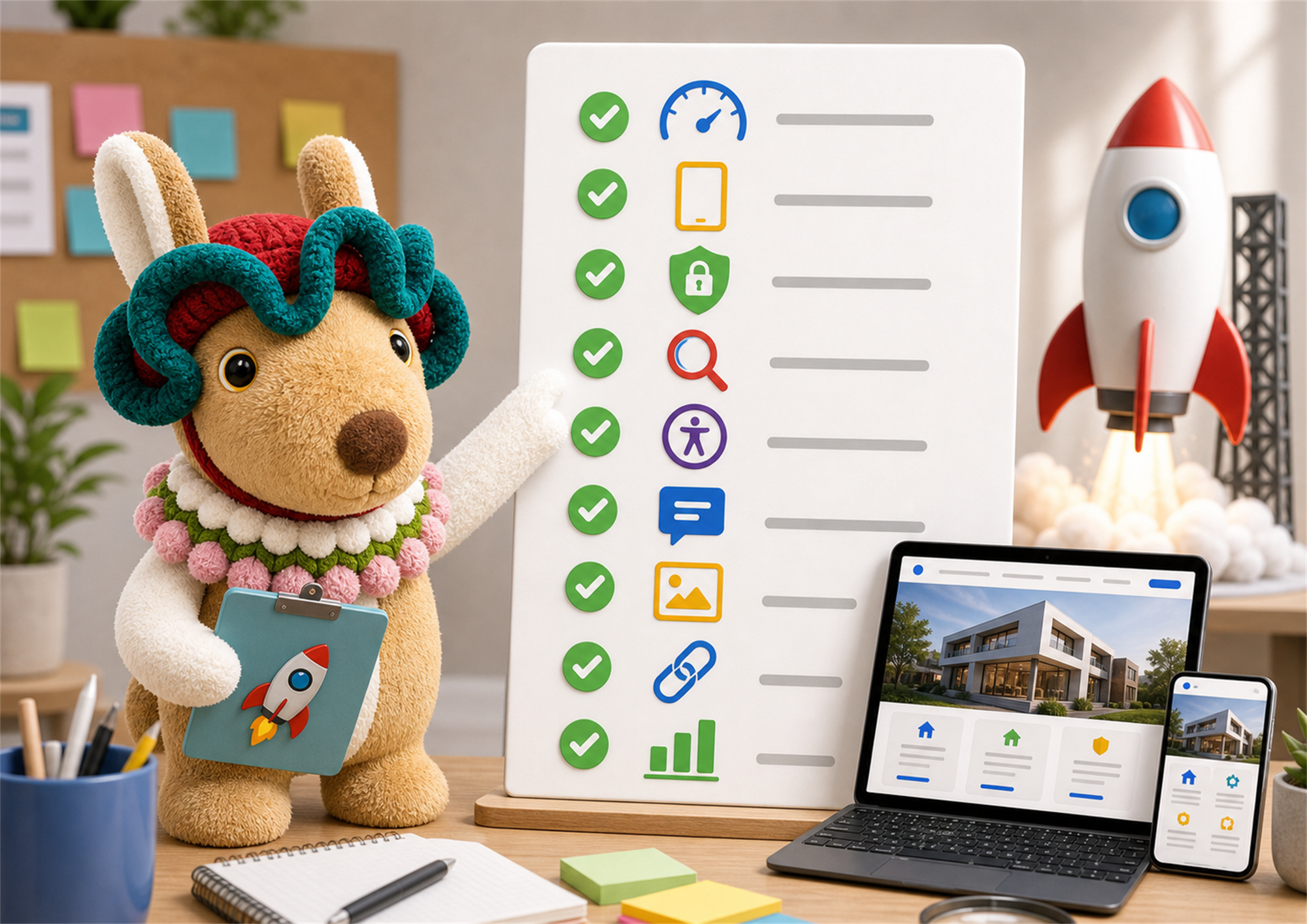
Use this small business website checklist before launching your site, so visitors can understand, trust, and contact your business without friction.
A small business website checklist is useful because most website problems are not dramatic. They are small gaps that quietly cost you enquiries: unclear headlines, slow pages, weak trust signals, broken forms, confusing mobile layouts, and missing tracking.
Before you launch, do not only ask whether the website looks nice. Ask whether a real customer can understand your offer, trust your business, and contact you without friction. This small business website checklist keeps the launch practical.
Launching a website too early can make a business look less reliable than it really is. Visitors may forgive a simple design, but they usually do not forgive confusion. If they cannot find your services, contact details, prices or next step, they leave.
The goal of a small business website checklist is not perfection. The goal is to remove the obvious problems before traffic arrives. Once the basics are correct, you can improve the site based on real visitors and real enquiries.
Your first screen should explain what you do, who you help, and what the visitor should do next. A headline like “Professional Solutions For You” is too vague. A better homepage promise says the service, market, and outcome clearly.
This is the first item in the small business website checklist because every other page depends on it. If the homepage is unclear, visitors will not stay long enough to see your proof.
Your phone, WhatsApp, email, enquiry form, and business location should be easy to find. Put the main contact action in the header, repeat it near important sections, and make sure the contact page is not hidden.
If your business depends on enquiries, test the form yourself before launch. Submit a message, check the email arrives, check the confirmation message, and check that the lead goes to the right person.
Many small business visitors arrive from social media, search, messaging apps, or referrals on mobile. Your website should not only shrink to fit the screen. It should be comfortable to read, tap, scroll, and submit.
In this small business website checklist, mobile testing is not optional. Check the menu, buttons, forms, images, headings, maps, and footer on a real phone if possible.
Slow websites lose attention quickly. Compress large images, avoid unnecessary effects, keep plugins under control, and remove heavy sections that do not help the customer decide. Google explains page experience and Core Web Vitals in its Search Central page experience documentation, which is a useful reference when checking performance basics.
Visitors need reasons to believe you. Add testimonials, project examples, client types, years of experience, business address, service process, FAQs, and real photos where appropriate. These trust signals reduce doubt before the visitor contacts you.
If you are unsure what proof to show, look at your sales conversations. The questions customers ask before buying are usually the proof points your website should answer.
A service page should not only say what the service is. It should explain who it is for, what is included, what the process looks like, what problem it solves, and how to enquire. Specific service pages also help search engines understand your business better.
For example, Webigaroo’s post on Landing Page vs Website explains how the right page type depends on the visitor journey. Service pages need the same customer-first thinking.
SEO does not start after launch. Before publishing, check your page titles, meta descriptions, headings, URL slugs, image alt text, internal links, and index settings. Google’s SEO starter guide is a good official starting point for understanding these basics.
This small business website checklist does not require advanced SEO. It only asks you to avoid launching with missing titles, vague headings, broken links, and empty descriptions.
Your website should be usable for as many visitors as possible. Check readable font sizes, colour contrast, keyboard-friendly forms, meaningful button labels, and alt text for important images. The W3C WCAG quick reference is useful if you want a deeper accessibility checklist.
After launch, you should know whether people are visiting, which pages they view, and whether they contact you. Set up analytics, search tracking, and basic conversion tracking for form submissions, calls, WhatsApp clicks, and email clicks.
Without tracking, you may only judge the website by feeling. With tracking, you can improve the pages that actually bring enquiries.
| Checklist item | What to check | Why it matters |
|---|---|---|
| Homepage | Clear offer and next step | Visitors understand you faster. |
| Mobile | Menu, forms, buttons, images | Many enquiries start on phones. |
| Speed | Images, effects, plugins | Slow pages lose attention. |
| Trust | Testimonials, examples, FAQs | Proof reduces hesitation. |
| SEO | Titles, meta, headings, links | Search engines and visitors get clearer signals. |
| Tracking | Forms, calls, WhatsApp, email | You can measure real enquiries. |
A launch is not the end. After the website is live, check whether pages are indexed, forms still work, mobile users can contact you, and the most important pages are getting visits. If a page gets traffic but no enquiries, improve the offer, proof, and contact path.
A good small business website checklist should turn into a monthly habit. Review your main pages, update outdated information, add new proof, and improve the content that people already visit.
If you need a simpler starting point, Webigaroo’s web design service focuses on building a clear business website first, then improving it around enquiries, SEO, and trust.
Use this small business website checklist before you launch: clear homepage, easy contact options, mobile testing, speed checks, trust signals, specific service pages, basic SEO, accessibility basics, and tracking. If those nine areas are working, your website has a much better chance of turning visitors into enquiries.
The most useful small business website checklist is the one you actually use. Keep it simple, repeat it before major updates, and improve the website based on real customer behaviour.
A small business should check the homepage message, mobile layout, speed, contact forms, service pages, SEO basics, trust signals, accessibility basics, and tracking before launch.
A basic checklist can take a few hours for a small website. Larger websites need more time because every key page, form, link, and mobile layout should be tested.
Yes, at least the basics. Page titles, meta descriptions, headings, slugs, image alt text, and internal links should be prepared before the website goes live.
You can improve after launch, but obvious problems should be fixed first. Broken forms, unclear offers, slow pages, and poor mobile layouts can waste early traffic.
The most important item is clarity. Visitors should quickly understand what you offer, who it is for, why they should trust you, and how to contact you.
Use this small business website checklist as a launch filter, not a one-time document. If the website is clear, fast, trustworthy, mobile-friendly, and easy to contact, it is already ahead of many small business sites.